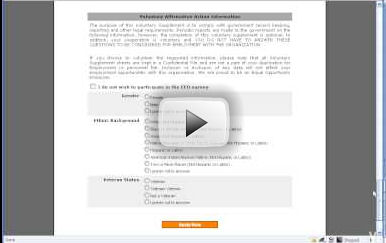
FastRecruiting's pre screen gives you complete control on
what your applicants see and what questions are used. You are able to create an
unlimited number of pre screen questions for applicants to answer before getting
to the full application and other documents. You are able to easily set a question
to be a disqualifier depending upon the answer.
Within the employee version of the Pre Screening, the optional questions that generate
the EEO reporting are at the bottom of the page. Whether it be a bilingual applicant
experience, or “dynamic follow up questions”, that appear based on the
applicants previous answer, Fast Recruiting has you covered.
Once the pre screen is successfully completed, the applicant gets to the document
page that has links to all web forms involved in the application process. See the
“FastDocs Full Application and other Docs” video for details.
Maintain maximum flexibility with Fast Recruiting’s customizable pre screening.

 Pre Screening Video