 |
 FR Dashboard FR Dashboard |
|
|
View Video
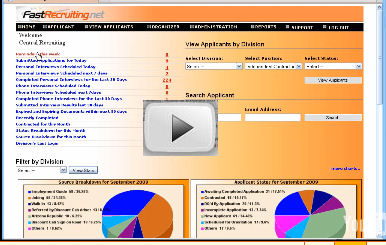
We will start off with the Central user Dashboard, giving you a bird’s eye view into your recruiting picture. We take it a step further and enable you to dig into the details directly from the dashboard. Clicking on a Fastlink brings up the regional breakdown, and clicking on the number itself brings up a spreadsheet showing the actual data. Fast Recruiting features a library of charts and graphs to choose to display on the dashboard. You can display up to 8 here. To see the rest of the reports and charts, simply click the “more charts” link, or view even more linear reports in the reports section.
Fast Recruiting’s dashboard features quick, one click lookups of applicants as well as access to specific position and region spreadsheets.
For Regional users, we feature a slimmed down version of the dashboard, which displays only their specific regions data.
Keep watching the rest of the videos for more common sense application tracking system features and fundamentally solid design.
|
|
|
|